


In today’s world, screens are a part of almost everything we do. From work and school to connecting with friends and family, we spend a significant amount of time looking at computers, phones, and tablets. This increased screen time means our eyes are working harder than ever before.
While digital devices are here to stay, you don’t have to accept eye discomfort as a normal part of your day. You can protect your eyesight by recognizing the signs of strain, adjusting your workspace, adopting healthy habits, and getting regular eye exams. These proactive steps, which include annual eye care, can help your eyes feel more comfortable and support your long-term vision health.
Recognize the Signs of Digital Eye Strain
When you spend long hours in front of a screen, you might notice some uncomfortable symptoms. This collection of eye-related problems is often called digital eye strain, though it’s also known as computer vision syndrome.
Common Symptoms You May Experience
If you regularly use digital devices, you might experience one or more of the following symptoms:
- Headaches
- Blurry vision
- Dry eyes
- Neck & shoulder pain
- Eye fatigue or discomfort
- Increased sensitivity to light
Always pay attention to how you feel after a long day of screen use.
Adjust Your Workspace & Screen Settings
A few simple changes to your environment can make a big difference in how your eyes feel. Your goal should be to reduce screen glare and create a comfortable viewing setup. This helps lower the demand on your eyes throughout the day.
Position Your Monitor Correctly
You can start by placing your computer screen about an arm’s length away from your face—about 20 to 25 inches. The top of your screen should be at or just slightly below your eye level. This positioning helps your eyes and neck stay in a more natural and relaxed posture.
Control Room Lighting & Reduce Glare
You can often improve eye comfort by adjusting the ambient lighting around you to avoid harsh reflections. Try closing the blinds or drapes to soften outside light and use lower-wattage bulbs indoors. An anti-glare screen filter is another simple tool that can help reduce reflections directly on your monitor.
Change Your Display Settings
Most devices allow you to customize aspects of your screen. You can make the text larger for easier reading, which reduces the need to squint or lean forward. You can also adjust the brightness and contrast of your screen so it matches the light levels in the room around you.
Mobile vs. Laptop Screens
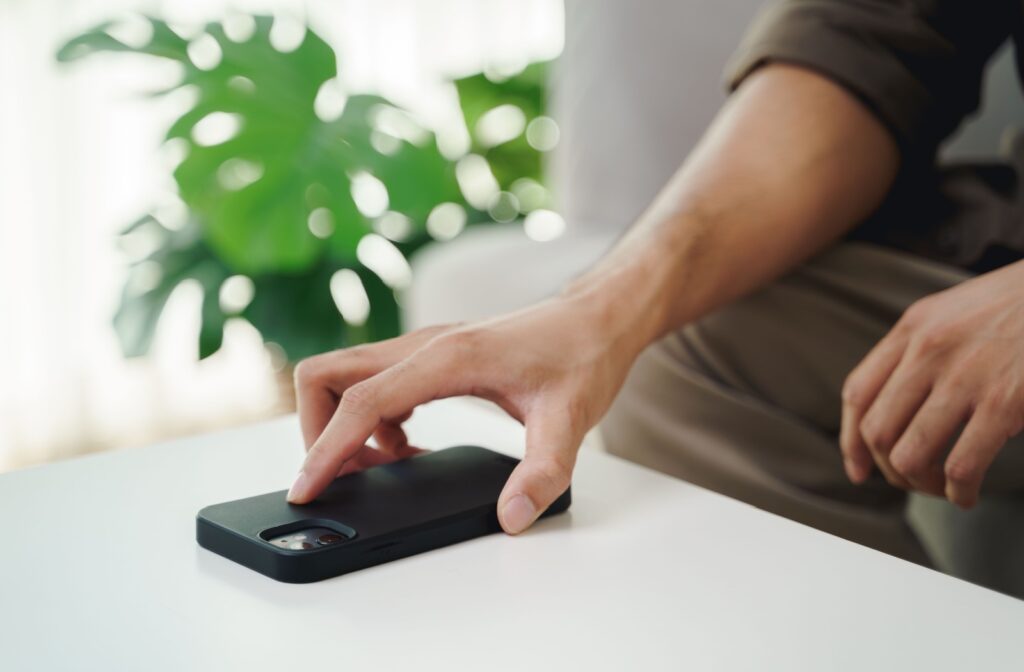
Both mobile phones and laptops can contribute to eye strain, but we tend to use them differently. We often hold phones much closer to our eyes than a laptop screen. This shorter distance can sometimes cause more intense focus fatigue over time.
Adopt Healthy Screen Habits
How you use your devices is just as important as how they are set up. Building small, consistent habits into your daily routine can help protect your vision. These practices give your eyes much-needed rest during long periods of screen use.
Follow the 20-20-20 Rule
This is a simple and effective exercise recommended by many eye care professionals. The goal of the 20-20-20 rule is to help your eye muscles relax: every 20 minutes, take a 20-second break and look at something that is at least 20 feet away. Set a timer on your phone or computer to help you remember.
Remember to Blink More Often
When we stare at screens, we tend to blink less frequently than we normally would. This can lead to dry, irritated eyes. Make a conscious effort to blink fully and often to keep your eyes moist and comfortable.
Take Frequent Breaks
In addition to the 20-20-20 rule, it’s helpful to get up and move away from your screen for a few minutes every hour. Walk around, stretch your body, and give your eyes a longer rest from focusing up close. This benefits both your eyes and your overall well-being.
Explore Protective Eyewear & Screen Options
For some people, specialty glasses and screen covers may help reduce factors that contribute to digital eye strain. These tools are designed to make screen time feel more comfortable. They work by managing how light and focusing affect your eyes.
Consider Computer Glasses
Computer glasses have lenses designed specifically for viewing digital screens. Other options, like Neurolens, use contoured prism technology to correct eye misalignment, a common cause of digital-related discomfort. Some lenses also have coatings that can help reduce glare from your screen.
What About Blue Light Glasses?
You may have heard about glasses that filter the blue light emitted from screens, and you can even learn how to test their effectiveness. The overall effect of blue light on long-term eye health is still a topic of ongoing research.
Prevent Future Problems with Proactive Care
If you already feel discomfort, you can take steps to feel better and prevent symptoms from becoming a chronic issue. Combining at-home relief with professional guidance provides a comprehensive approach to your eye health. This helps you manage your vision in a digital-first world.
Can You Undo Eye Strain from Screens?
Many symptoms of digital eye strain are temporary. They may improve when you reduce your screen time or make positive changes to your habits. Consistent healthy screen habits are key to managing and preventing discomfort.
Use Artificial Tears for Dry Eyes
For temporary relief, over-the-counter lubricating eye drops can help. These drops restore moisture to combat one of the most common symptoms of computer vision syndrome.
What to Discuss with Your Eye Doctor
A comprehensive eye exam can help identify any underlying issues. Knowing when to see an eye doctor is the first step toward addressing problems that might contribute to your eye strain, such as an outdated prescription. Be sure to mention how many hours you spend on digital devices each day and any symptoms you experience.
By taking a few proactive steps and working with a professional, you can keep your eyes comfortable in a screen-filled world.
At Total Vision San Clemente, we’re here to help you find personalized solutions for your vision. Schedule an exam with us today to discuss your screen time habits and learn more about how to support your eye health.